
Keyloop DMS and WhatsApp: how dealership messaging actually connects
What a Keyloop DMS to WhatsApp connection really does: which records are read, what gets written back, and how a chat attaches to the right customer and vehicle.
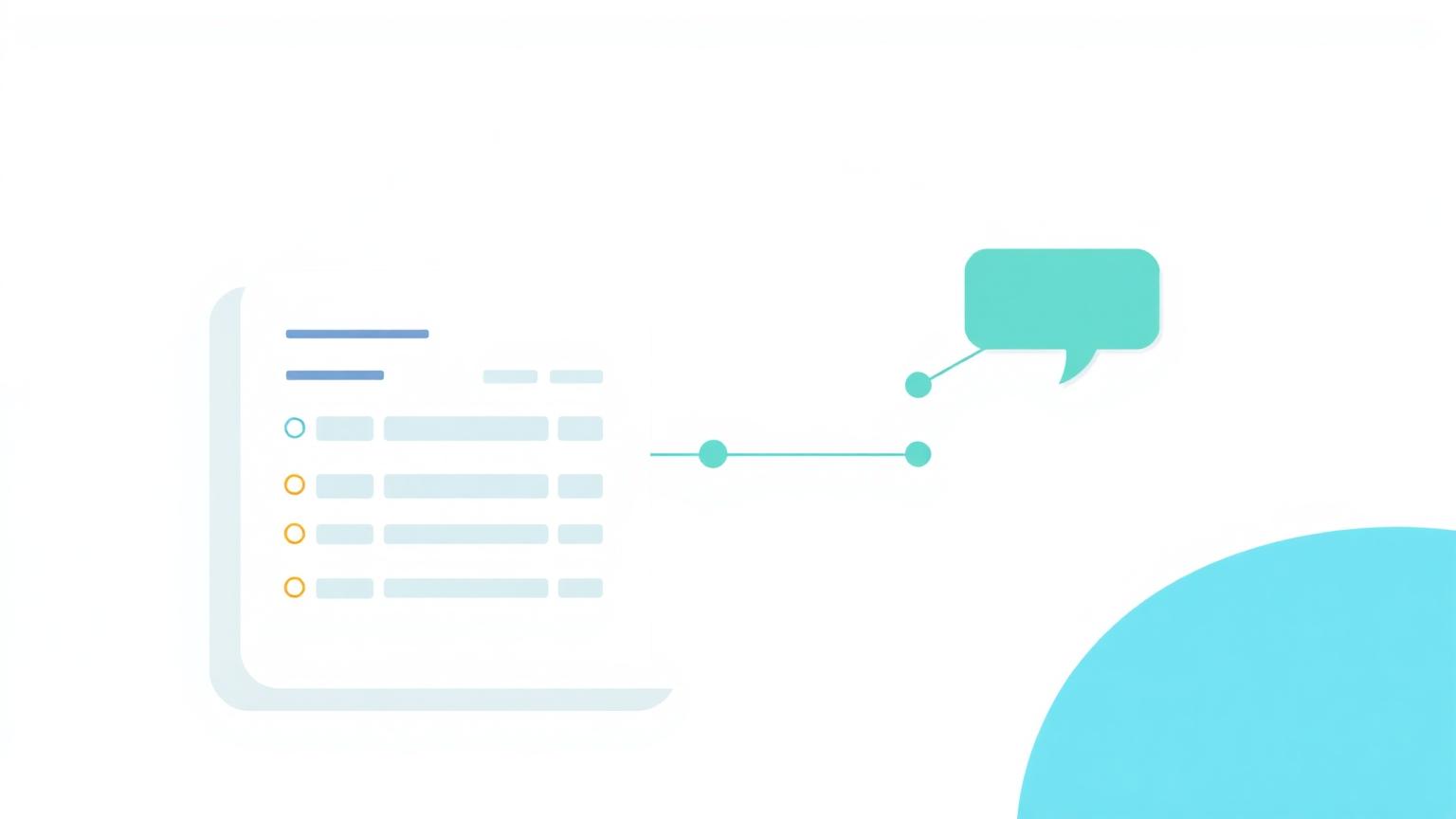
Most dealer groups already know they want WhatsApp. The question they get stuck on is what happens between WhatsApp and Keyloop, because that is where the promise either becomes real or turns into another inbox someone has to watch.
It is worth being precise about it. A DMS connection is not a vague sense that two systems talk. It is a defined set of records that get read, a defined set of things written back, and a rule for how a conversation is matched to a customer.
How a message finds the right record
When a customer messages, the first job is identification. The mobile number is matched against the customer records held in Keyloop. If it matches one customer, the conversation is attached to that record and the vehicles against it come with it.
If the number matches nothing, the conversation stays as a new enquiry until someone links it or the AI agent captures enough detail to do so. If it matches more than one, the advisor is asked to pick rather than the system guessing.
That last part matters more than it sounds. A silent wrong match is worse than no match, because everything downstream, the service history shown, the reminder sent, the booking written, inherits the mistake.
What gets read from Keyloop
- Customer record: name, contact details, marketing consent and the branch they belong to
- Vehicle record: registration, make, model, derivative, mileage and current status
- Service history: previous work, dates, and what is outstanding
- Due dates: MOT, service, finance end and warranty expiry
- Workshop availability, so a slot offered in chat is a slot that genuinely exists
The point of reading all this is not to build a second database. It is so the person replying, or the AI agent drafting the reply, answers from the record instead of from memory.
What gets written back
Writing back is the half that gets forgotten, and it is the half that decides whether the DMS stays trustworthy. A conversation that never updates Keyloop leaves the group with two versions of the truth.
- Bookings made in chat, written into the workshop diary rather than a notepad
- Updated contact details when a customer corrects a number or email
- Consent changes when someone opts in or out of marketing
- Conversation notes and outcomes against the customer record
If the conversation does not write back, you have not integrated your DMS. You have added a window onto it.
What stays inside Keyloop
Plenty should. Pricing rules, invoicing, parts, stock control and the financial side of a deal belong in the DMS and stay there. Messaging does not need to own them and should not try.
A good integration is deliberately narrow. It reads the fields that make a conversation useful, writes the outcomes that keep the record accurate, and leaves the rest of the DMS alone.
The questions worth asking before you start
Which Keyloop fields will be read, and by whom. Whether bookings write back into the live diary or into a holding queue. How consent is stored and honoured. What happens when a number matches two customers. How long conversation data is retained.
None of those are difficult questions. They are just the ones that decide whether the integration is quietly useful in six months or quietly ignored.
The full detail, including which Keyloop events can trigger a message and how setup runs week by week, is on our Keyloop WhatsApp integration page. For the wider DMS picture, see plugging into Keyloop and your DMS.
See what this looks like for your group
Fuzey runs WhatsApp for dealer groups across the UK, Ireland and the Gulf, with every reply landing in front of the right person.
Keep reading

Choosing a Keyloop approved partner for customer messaging
What Keyloop approved partner status actually means, the questions to ask a messaging vendor, and how to judge the data and consent side before you sign.
Read article
Keyloop messaging: what dealers can send, trigger and automate
The Keyloop events worth messaging on, from MOT due to finance renewal, and what good timing and wording look like for each one.
Read article
Proving the bookings came from WhatsApp
How to prove which aftersales bookings came from WhatsApp, with a clear attribution window and reporting dealers can stand behind.
Read article